Thursday, April 27, 2017
How to make a folder transparent or invisible
How to make a folder transparent or invisible
 STEP 1
first create a new folder somewhere on your hard drive or just rename(f2) an existing folder
STEP 2
when you name it hold down "Alt" and press "0160" this will create and invisible space so it will apper as if it has no name.( If it doesnot work try alt +255 )
then right click in and select "Properties" select the tab "coustimize" and select "change icon" scroll along and you should a few blank spaces click on any one and click ok when you have saved the settings the folder will be invisible or purely transparent .....
lets check it and enjoy.................
Available link for download

Monday, January 30, 2017
How to Create Folder CON
How to Create Folder CON
Ever tried to create a folder "CON" or "AUX" or "NUL".
Tried now??? - not working :)
Here you go, a simple method to stop your anxiety
Rename folder from the right click option........
Now press alt and press 255...
press 255 frm the right side of the key bords i.e, Num pad.
where only numbers are given.....
now write con and then press enter.....yayyy!!
you ll see a con folder in ur pc
and also you can delete it easily.
Available link for download
Monday, January 9, 2017
How to Create a Folder on Start Screen of Your Windows Phone
How to Create a Folder on Start Screen of Your Windows Phone
Windows Phones are being loved by many users due to its UI magazine style. However, it is not much popular comparative to Android or iOS. There are many customizations and adding which you can done with your Windows Phone.
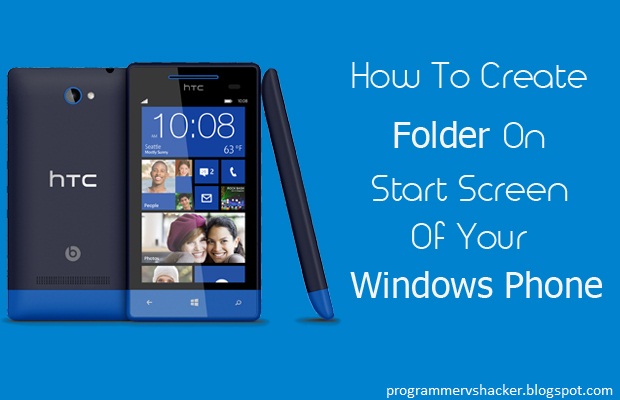
Learn-How to Create a Folder on Start Screen
- First of all you are supposed to press and hold Tile from the Start Screen (Main Screen)
- Afterwards, the tile will pop up, now drag that pop up to you favorite position on the Start Screen, where you want to place your folder.
- Then you have to tap on Name Folder to give a name to your folder, after giving the name to your folder tap on Enter
- To add more folders, you have to follow the same steps mentioned above
- Now, you can tap on your folder to open it and can include your favorite stuffs in it
- Congratulations! You have successfully created a Folder
Conclusion
Available link for download
Wednesday, December 7, 2016
How to Change Folder Icon in Windows 7
How to Change Folder Icon in Windows 7
How to Change Folder Icon in Windows 7
Available link for download
Thursday, October 20, 2016
How to Delete an Undeletable File or Folder in Windows
How to Delete an Undeletable File or Folder in Windows
Many times you face some issues in deleting some file or folder as it says the file is being used or any other error. Well at that time it gets a lot difficult situation for you, well there are many tools and 3rd party software's that you can use to remove an unwanted files or folders from your PC in a secure manner, but what if you want to go bare handed.
Available link for download