How to make Fake Virus and Shutdown PC Using Notepad
This article will show you how to shutdown your computer using a notepad, or we can consider it as a prank virus also so just follow these few simple steps to proceed:
Open note pad in your computer. you can find it in programs > accessories > notepad.
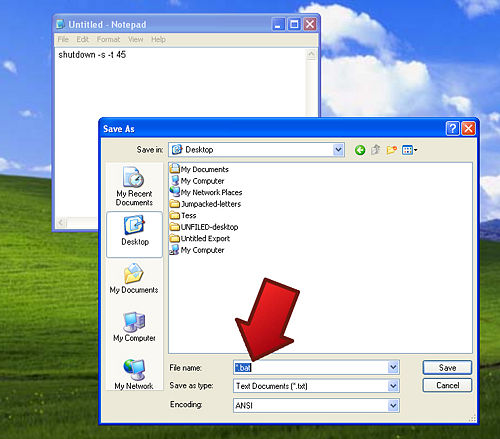
Type the following code in the notepad- "shutdown -s -t 45".

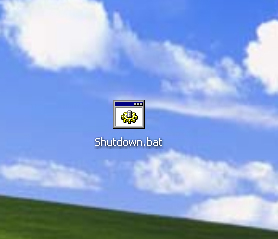
Now save the file in .bat format.
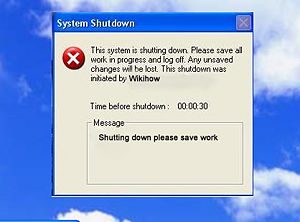
Run the batch file so formed. you will see a new window which will shutdown the system in 45 seconds.
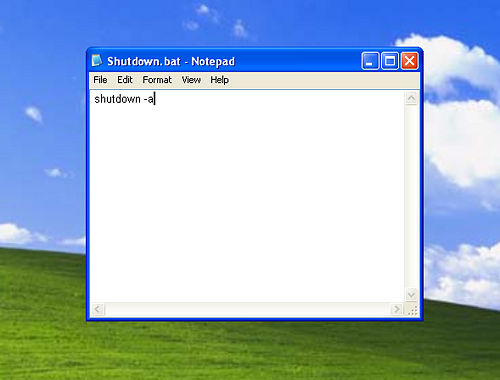
You can also rectify the shutdown precess by running "shutdown -a".
Tips: You can play prank on others by naming this batch file as keygen of a game and ask them to run on their system.
Warning: Save the file with .bat extension. Do the coding as it is given above without any changes.
Available link for download